
Images are one of the most powerful elements on any website. Whether they appear on your homepage, in a blog post, or alongside a product, learning how to optimize images for website helps grab attention, increase engagement, and build trust.
Why Image Size Matters
Large, uncompressed images are one of the biggest factors in overall website performance. A slow site increases bounce rates, hurts your search rankings, and drives visitors to your competitors.
On the other hand, optimized images help your site load faster, improve your visibility on Google, and create a better user experience.
Whether you are managing your site yourself or working with a developer, understanding how to handle image sizing will help you make better decisions and keep your site running smoothly.
Landscape vs Portrait Orientation
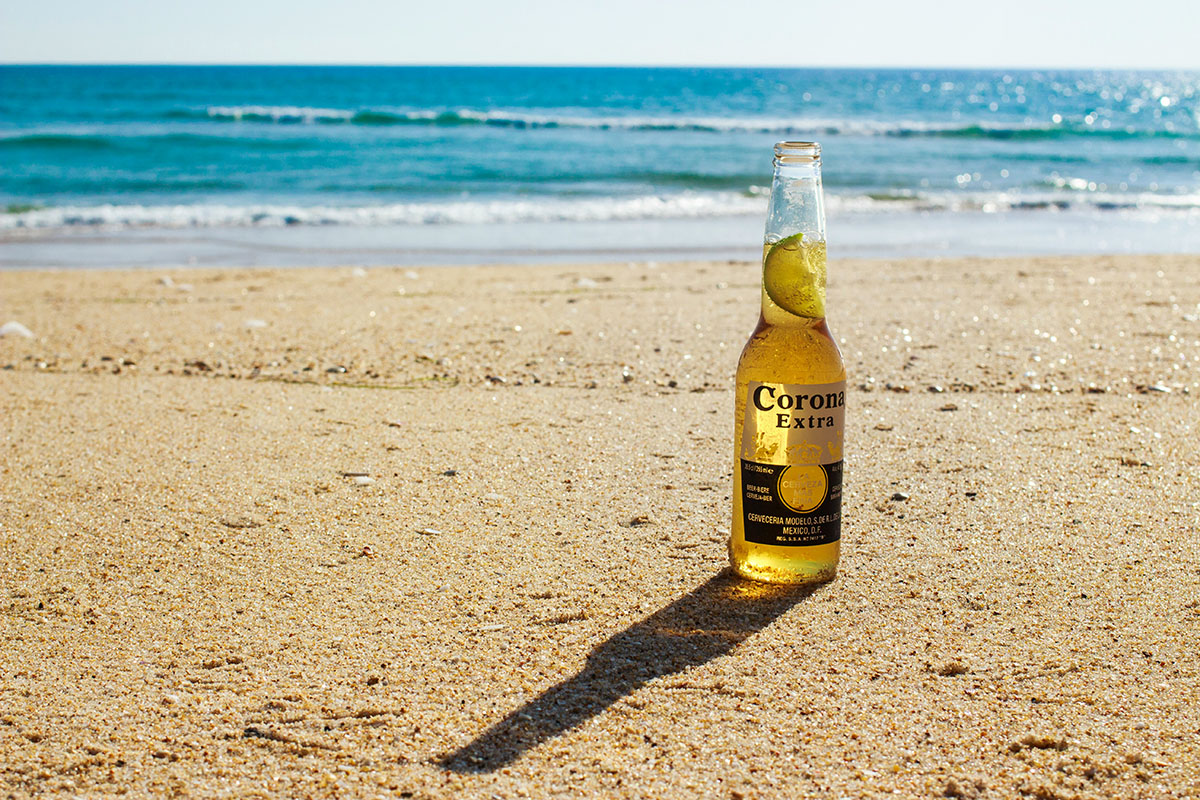
Landscape images work well at the top of web pages, especially as hero images or banners. Just make sure they can scale across devices without becoming blurry or cutting off important content. A wide photo with breathing room works better than one with a centered subject that may get cropped.
Portrait images are often better inside blog posts or when highlighting people, objects, or vertical products. They fit well into mobile-friendly layouts and give you flexibility when designing around text.
Product Photos vs Lifestyle Shots
Product images focus on clarity. They should show the item clearly from multiple angles, with clean backgrounds and even lighting.
Lifestyle photos show the product in context. They are useful for connecting emotionally with your audience and demonstrating real-life use. For example, a candle on a table at home tells a different story than a product shot on a white background.
Use both where possible, and keep the styling consistent across your site.

Maintain Visual Consistency
Consistent image style helps create a polished and professional brand experience. Choose a consistent editing style, color palette, aspect ratio, and tone. This makes your pages feel cohesive and trustworthy, even if the images come from different sources.
Image Quality Basics
High-quality images should be sharp, well-lit, and properly composed. Blurry or low-resolution photos can make even the best-designed site look amateurish.
Google also values image quality, especially when paired with useful file names, structured data, and fast page speed. That means good visuals are not just for looks. They support your SEO too.
Recommended Image Sizes
Here are some image size guidelines to follow, especially for WordPress:
- Hero images: 2400 x 1600 pixels, no larger than 1 MB
- Blog headers: 1200 x 630 pixels, under 200 KB
- Landscape feature images: 1200 x 900 pixels, under 200 KB
- Portrait feature images: 900 x 1200 pixels, under 200 KB
Many platforms like WordPress can resize images automatically, but it helps to upload images that are already close to ideal dimensions. If your site uses responsive design, ask your developer about adding multiple image sizes for different screen types.
How to Optimize Photos for Your Website
Image optimization is about balancing speed and quality. Before uploading, use tools like Photoshop, ImageOptim, or Squoosh to compress files. Aim to reduce file size without making images look pixelated.
Use the right file format for each image type:
- JPEG: Best for photos
- PNG: Best for transparency or images with few colors
- WebP: A modern, compressed format that works well for most websites
- SVG: Best for icons, logos, and simple graphics
- GIF: Use sparingly, mostly for simple animations
File Names and Alt Text Matter
Give your image files names that describe what they show. For example, use candle-black-glass.jpg instead of IMG1234.jpg. This helps with SEO and makes your media library easier to manage.
Always include alt text. This is read aloud by screen readers for users with visual impairments and also helps search engines understand your content. Include clear descriptions and, where appropriate, keywords that relate to the page content.
Final Thought
When it comes to web design, images can make or break your site. Choosing the right size, format, and style will keep your site looking sharp and loading quickly.
Treat your images with the same level of attention you give to your copy, your code, or your call to action.